
AI cinematic video generator
Give the AI video generator a subject, one camera move and a moment worth watching. Explore framing and light before expanding the scene.
Cinematic scenes. Product reveals. Anime worlds.
Start with the picture in your head.
BriskGen / YOUR WORKSPACE
Sample videoExisting footage · no generationSaves your inputs, then starts AI analysis and planning if access is enabled. AI charges may apply. Video generation requires a separate price confirmation.
Video pricing and generation are not available yet.
A scene, a character, a different point of view. Explore these creative examples before shaping your own AI video generator brief. Examples are inspiration, not a promise of your result.
Refine the script yourself or ask your Agent
Give your AI video generator one visual guide for characters, props and locations.
Choose the story you want to tell, then explore a focused prompt. An AI video generator starts with direction: what moves, what stays, and what the viewer should notice.
Give the AI video generator a subject, one camera move and a moment worth watching. Explore framing and light before expanding the scene.
Build an AI video generator brief around a material, a detail and a reveal. Use authorized product images to explain what should remain visible.
Take an illustrated idea to the AI video generator workspace. Describe a distinctive silhouette, a readable gesture and the atmosphere around the character.
Focus the AI video generator on texture and small, deliberate movement. Plan a close-up with a quiet background; sound depends on model support.
Give the AI video generator a sense of place. Choose a time of day, an opening view and one path for the camera to follow.
Start the AI video generator brief with a familiar character and an unexpected problem. Keep the setup, reaction and visual payoff easy to follow.
Explore a performance through the AI video generator workspace. Set the stage, mood and camera language; audio and synchronization depend on the chosen model.
Bring an authorized image to the AI video generator. Explain what moves, in which direction, and which details should guide the visual brief.
Plan an AI video generator scene around one readable action. Separate the character movement from the camera path before adding a second beat.
Browse styles, open a preview and inspect the available prompt. Bring one useful detail to your AI video generator idea, then make the subject, setting and mood your own.
Start with a subject, an action and a place. Tell the AI video generator what the camera should follow. Choose AI Director Agent to explore an idea through conversation, or Storyboard Studio to develop shots for your video. Give your AI video generator brief a clear direction.
Bring an image you have permission to use. Give the AI video generator separate instructions for subject and camera movement. Start with one gesture or reveal. Inputs and settings depend on your selected AI video generator model.
A useful AI video generator prompt names the scene, lighting and one important change. Review the storyboard and refine individual shots in Storyboard Studio. AI video generator examples offer starting points; copying a prompt does not reproduce an identical result.
BriskGen brings storyboard planning for your video and conversational creation into one browser workspace. Use the AI video generator to organize your footage and images, describe your direction and review the settings for your project. Each AI video generator entry offers its own way to develop your next video.
A product detail, an opening scene, an unexpected character. Put the AI video generator in service of one clear creative task.
Develop a fresh angle for a post. Give the AI video generator one visual hook, a readable action and the mood you want to explore.
Plan a product reveal around materials, light and context. Tell the AI video generator which details matter, using product images you are authorized to share.
Explore an opening image or a transition between scenes. Use the AI video generator brief to separate character action from camera movement and visual atmosphere.
Try a playful character, an unusual setting or a small visual experiment. An AI video generator gives the idea a place to develop before the next decision.
Keep the AI video generator brief focused. Choose an entry, prepare the materials and review what happens next.
Choose Video creation to build and edit a storyboard for your video, or AI videos agent to develop an idea through conversation. Use the AI video generator entry that fits your next project.
Add your video and relevant images where supported. Give the AI video generator a clear direction for the subject, setting and product details.
Explain the action, camera and setting. Refine the AI video generator prompt or storyboard until the next version expresses the scene you have in mind.
Check the plan, supported settings and current availability. Review any quoted cost before a paid action. The AI video generator does not make an example preview a generation request.
Pricing
From your first idea to your next video.
Bring your ideas to life, one short video at a time.
$23/month
$276 billed yearly · USD
480 credits each month · no rollover
For regular creators and brands with more stories to tell.
$63/month
$756 billed yearly · USD
1,440 credits each month · no rollover
Bring your ideas to life, one short video at a time.
$29/month
Billed monthly · USD
480 credits each month · no rollover
For regular creators and brands with more stories to tell.
$79/month
Billed monthly · USD
1,440 credits each month · no rollover
Extra credits, whenever inspiration strikes.
$9.90
One-time payment · USD
120 credits · valid for 365 days
Extra credits, whenever inspiration strikes.
$29.90
One-time payment · USD
420 credits · valid for 365 days
Extra credits, whenever inspiration strikes.
$69.90
One-time payment · USD
1,080 credits · valid for 365 days
Available models and the credit cost are shown in the workspace before generation.
Both billing options deliver credits monthly; yearly plans include 12 grants. Each grant expires at the end of its month, with no rollover.
One-time purchases, valid for 365 days. No subscription needed. Buy again anytime.
AI planning, storyboard images and videos share your credits. The soonest to expire are used first.
Yes. Within 30 days of the original purchase, one eligible credit-pack order can offset a larger pack or a subscription.
Upgrade from a Starter to a Medium credit pack: pay $20 and add 300 credits.
Upgrade from a Starter credit pack to a Creator monthly subscription: pay $19.10 and add 360 credits.
The amount paid offsets the price; you receive only the difference in credits. Spending credits does not reduce the cash offset. Orders cannot be combined. Existing credits keep their expiry; the new credits’ expiry is shown before confirmation.
Move from Creator monthly to Pro monthly, or Creator yearly to Pro yearly. The price difference and current month’s additional credits are prorated for the time remaining. Your renewal date stays the same.
Monthly-to-yearly changes are not available yet. Your account confirmation shows the eligible upgrade, amount due and credits you will receive.
Use the AI video generator workspace to develop cinematic scenes, product ideas and character stories. Start with an idea or your video, then shape the subject, action and camera for your project.
Choose Video creation to create and edit a storyboard for your video. Choose AI videos agent to explore an idea through conversation. Each AI video generator entry keeps its own projects or conversations.
Add your video and relevant images, then describe the scenes, pacing and product details you want to develop. Available inputs depend on the workflow and selected model.
Video generation and checkout are not publicly open yet. You can explore examples and prepare your creative direction in the AI video generator workspace. Availability will be shown where you take the next action. Browsing a sample or reusing its prompt does not start a paid generation.
Credit use depends on the model, output settings and requested action. Review the quoted cost before confirming any paid AI video generator request. The displayed plans are a preview while checkout remains closed; they do not mean a payment or generation is currently available.
Commercial use depends on your rights to the uploaded materials and the selected model’s terms. Use materials you own or have permission to use, including any people, music and brands featured.
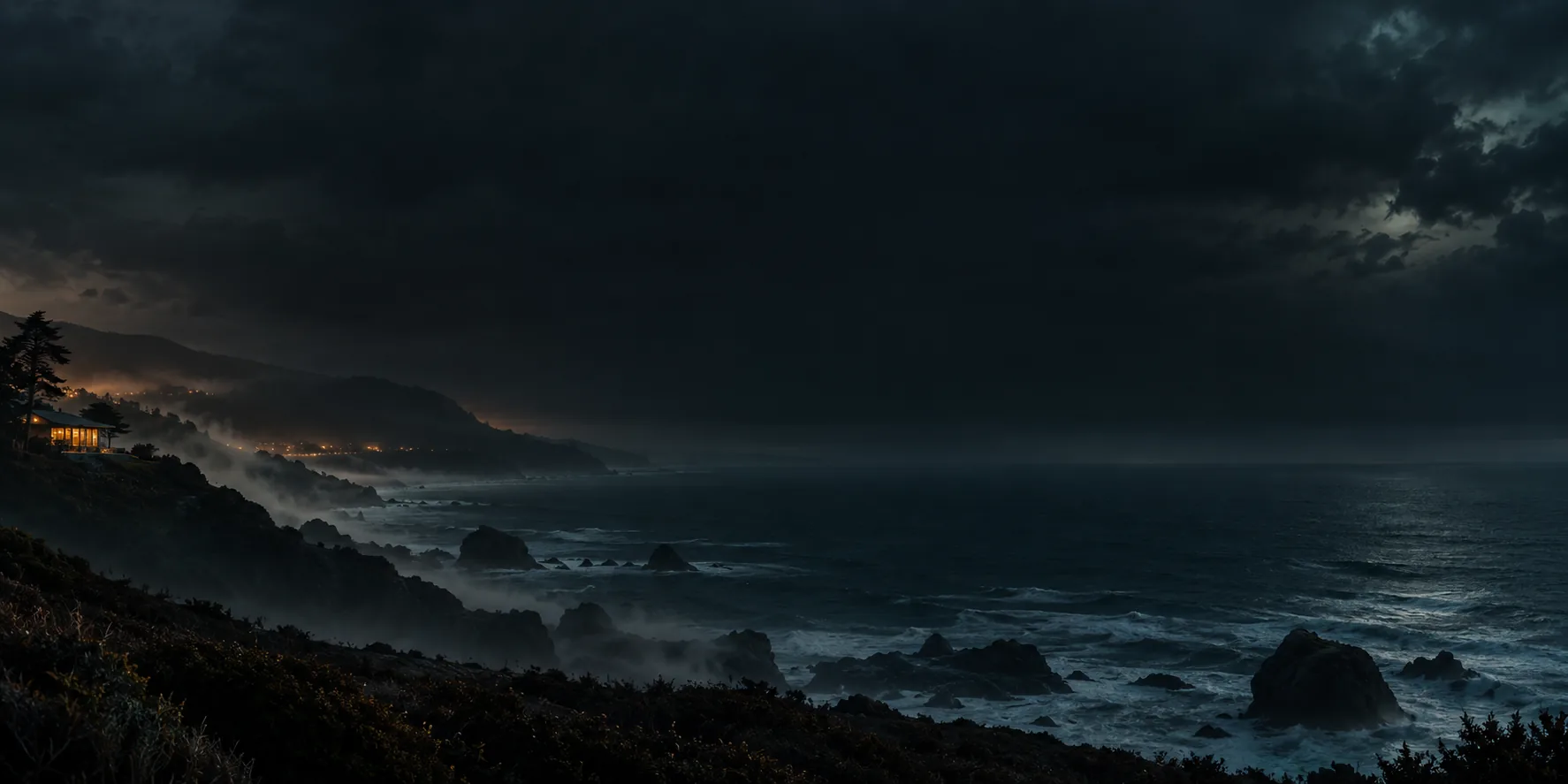
Plan each shot in the AI video generator workspace or tell your Agent what you want to film