The BriskGen Journal
How to Make a Hotel Lobby AI Video with a Reference Video
Learn the Hotel Lobby trend and plan a two-person recreation from reference video, editable shots, and consistent character images.
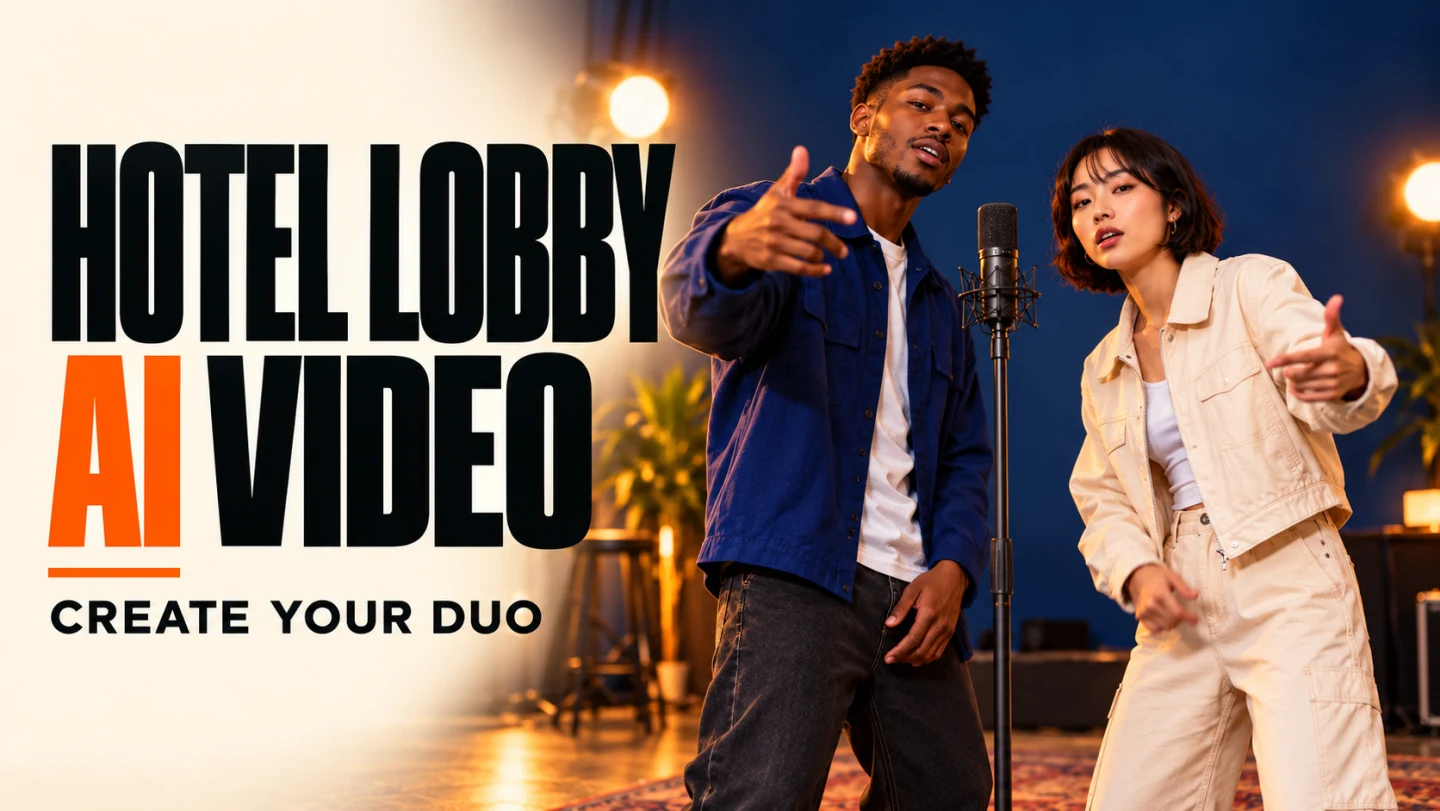
A Hotel Lobby AI video reimagines a recognizable two-person rap performance with different characters. To plan your own version in BriskGen, start with a reference video, review the editable storyboard and script created from its analysis, add character photos to generate a unified character-and-scene visual reference, then send the shot plan and visual reference to a video model. The aim is to recreate the performance's structure while guiding the appearance of the people and setting.
What does the Hotel Lobby AI trend recreate?
The source of the Hotel Lobby AI trend is Quavo and Takeoff's real 2022 “HOTEL LOBBY” performance on A COLORS SHOW, not an AI-generated original. Later Hotel Lobby character swap versions put animals, fictional characters, or public figures into the performance. Complex describes variants that retain the original movement, lip sync, and audio while changing the performers.
That combination is what many people looking for a Hotel Lobby AI video want: the familiar sound, two performers trading lines, and the visual joke of seeing new characters in their places. In a Hotel Lobby character swap, the exchange and its timing are as important as the appearance of either character. A newly generated interpretation may follow a shot plan without reproducing the original performance frame for frame.
Before using this workflow: The signed-out BriskGen homepage currently says video pricing and generation are not yet available; availability after login has not been verified. This guide explains the intended workflow and an editorial example, not a completed Hotel Lobby generation. Automatic reuse of a reference soundtrack, precise lip sync, independent control of both faces, and exact character replacement have not been established here. Use footage, faces, voices, and music only with permission for the intended processing and distribution.
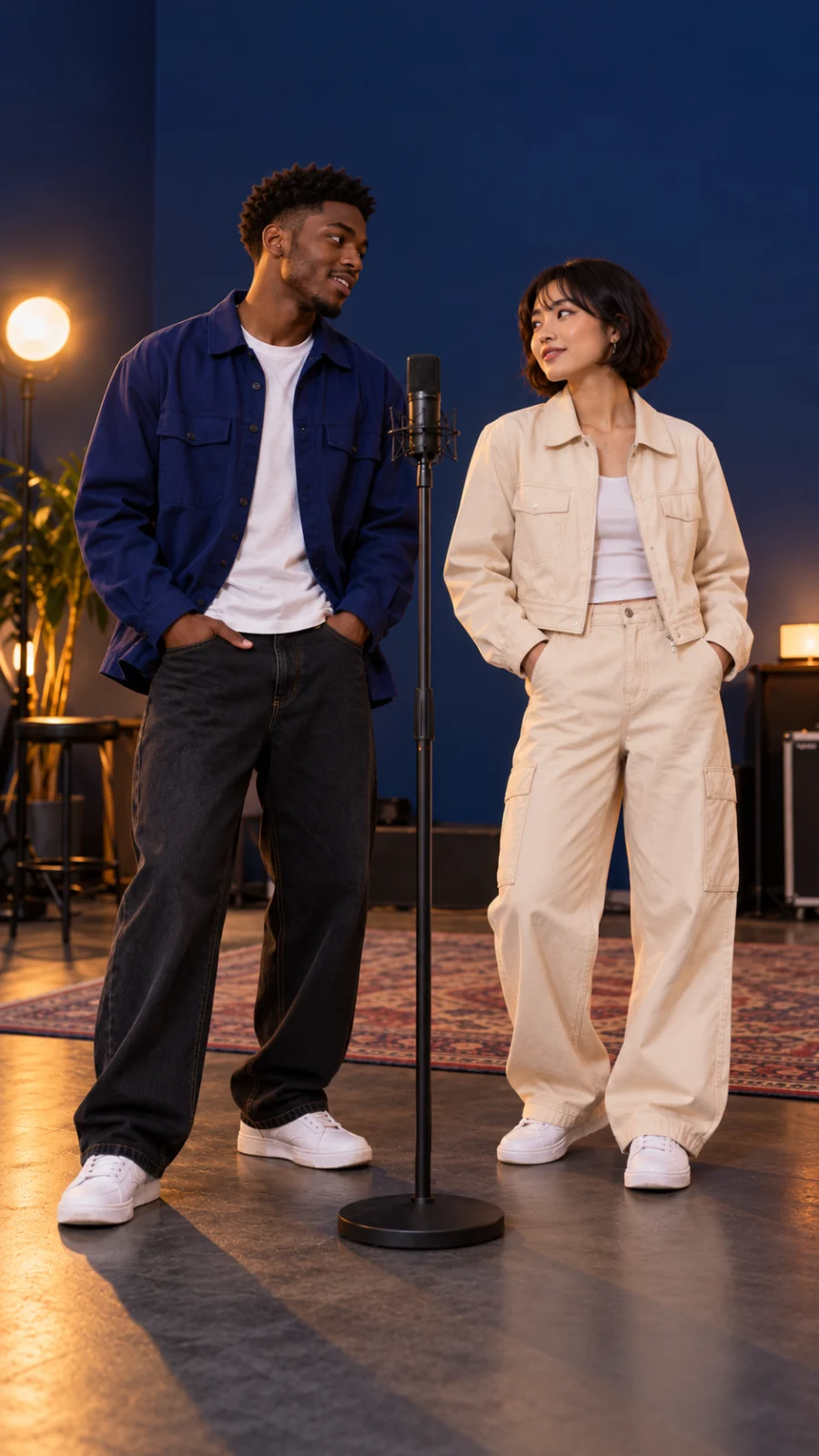
Original planning still for a fictional duo; not the COLORS performance or a generated video result.
Prepare the source and the new cast
For a Hotel Lobby AI video adaptation, choose a short reference performance with a clear handoff between two people. The original clip and recording require the relevant permissions; an authorized performance you film yourself is another option. A platform's sound library alone does not establish rights for every use or for distribution elsewhere. Check permission for the composition, recording, footage, voices, and recognizable likenesses as applicable.
For the new cast, prepare clear photos you are authorized to use. Decide which person will take each part, what each should wear, and what scene should surround them. The example below uses two fictional adults sharing a standing microphone on an indigo stage: performer A wears a blue jacket; performer B has chin-length black hair and a cream jacket. This is a creative plan, not evidence that a two-person output was produced.
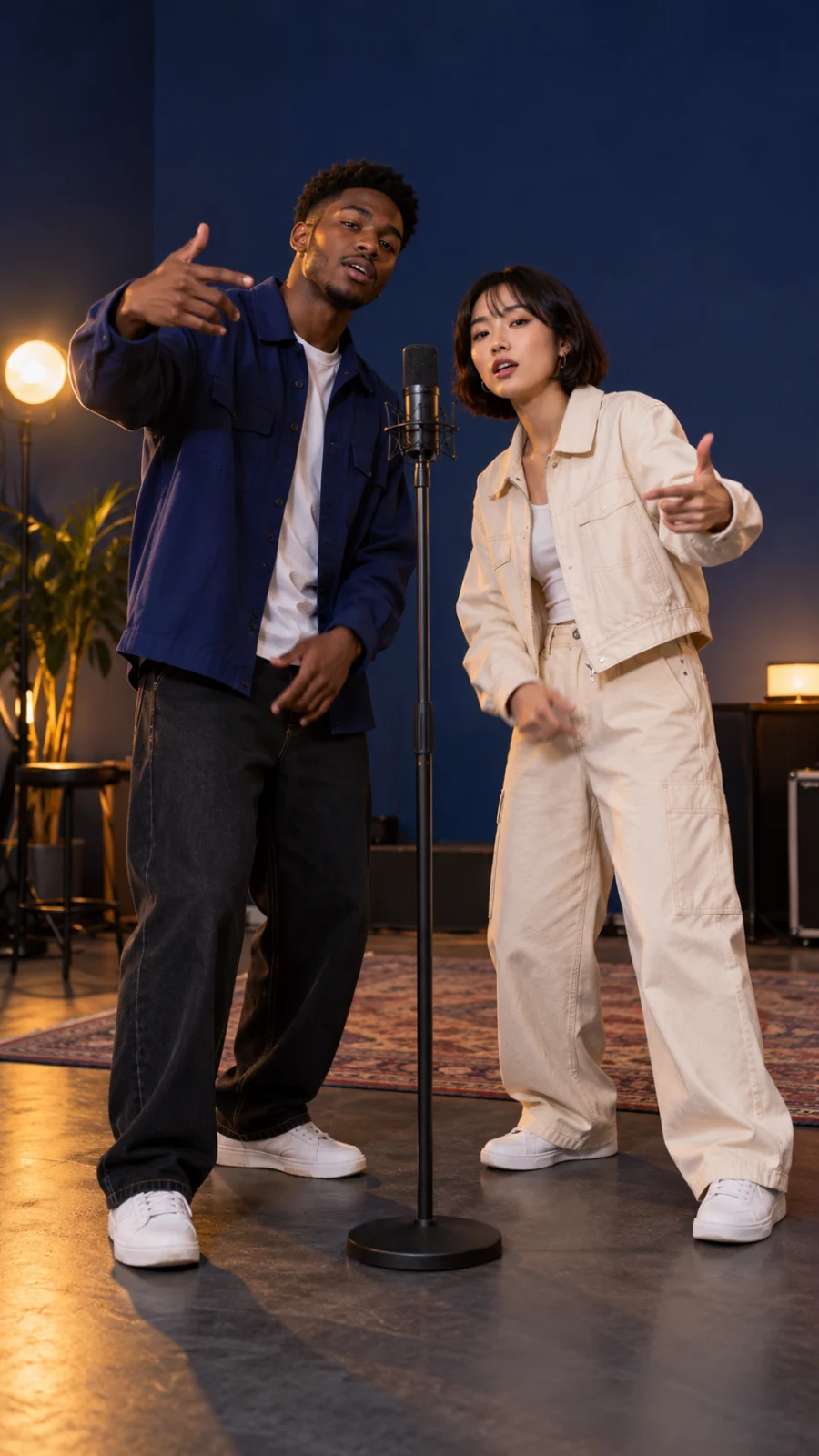
An independently created planning image, not the visual reference generated by BriskGen or proof of character consistency.
The four-step Hotel Lobby AI video workflow
1. Upload the reference video
Add the authorized performance as the reference. Choose a section where the first performer leads, the second responds, and both can be seen clearly. Note the start of each line, changes in framing, gestures, and the microphone position. These observations give you a way to check the analysis in the next step.
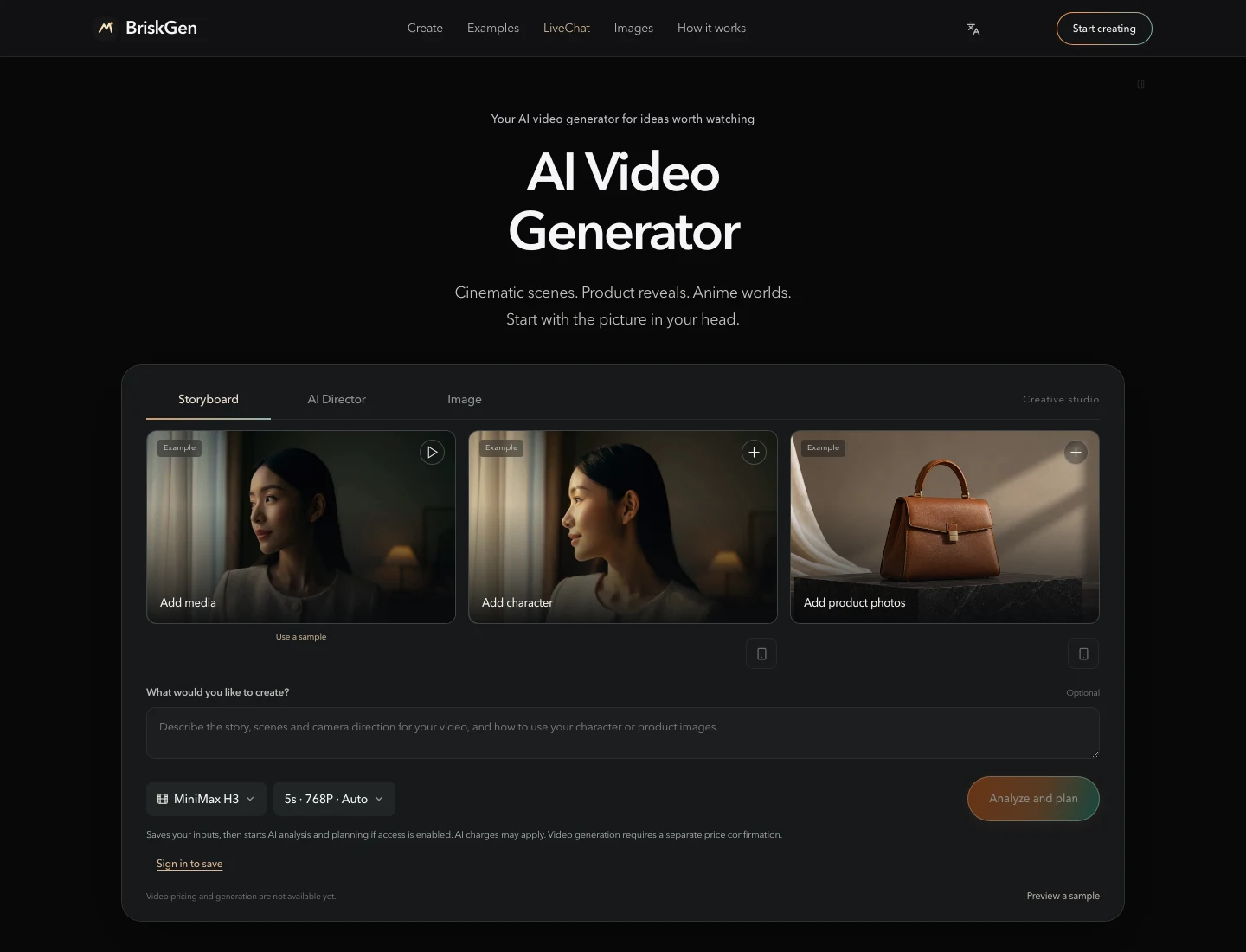
Public signed-out workspace captured on October 28, 2026. The tile images are built-in examples, not uploads for this Hotel Lobby project.
For a Hotel Lobby character swap, the reference supplies more than a general mood: it supplies the sequence and relationship between the performers. Do not assume every movement will survive generation; decide which beats matter most before editing the plan.
2. Review the editable storyboard and script
The intended workflow analyzes the reference video to form an editable storyboard and script. Read the entries in order and correct the actions, framing, and handoffs. The goal is to make the plan describe who performs each line and what the other person does, instead of treating both people as a single subject.
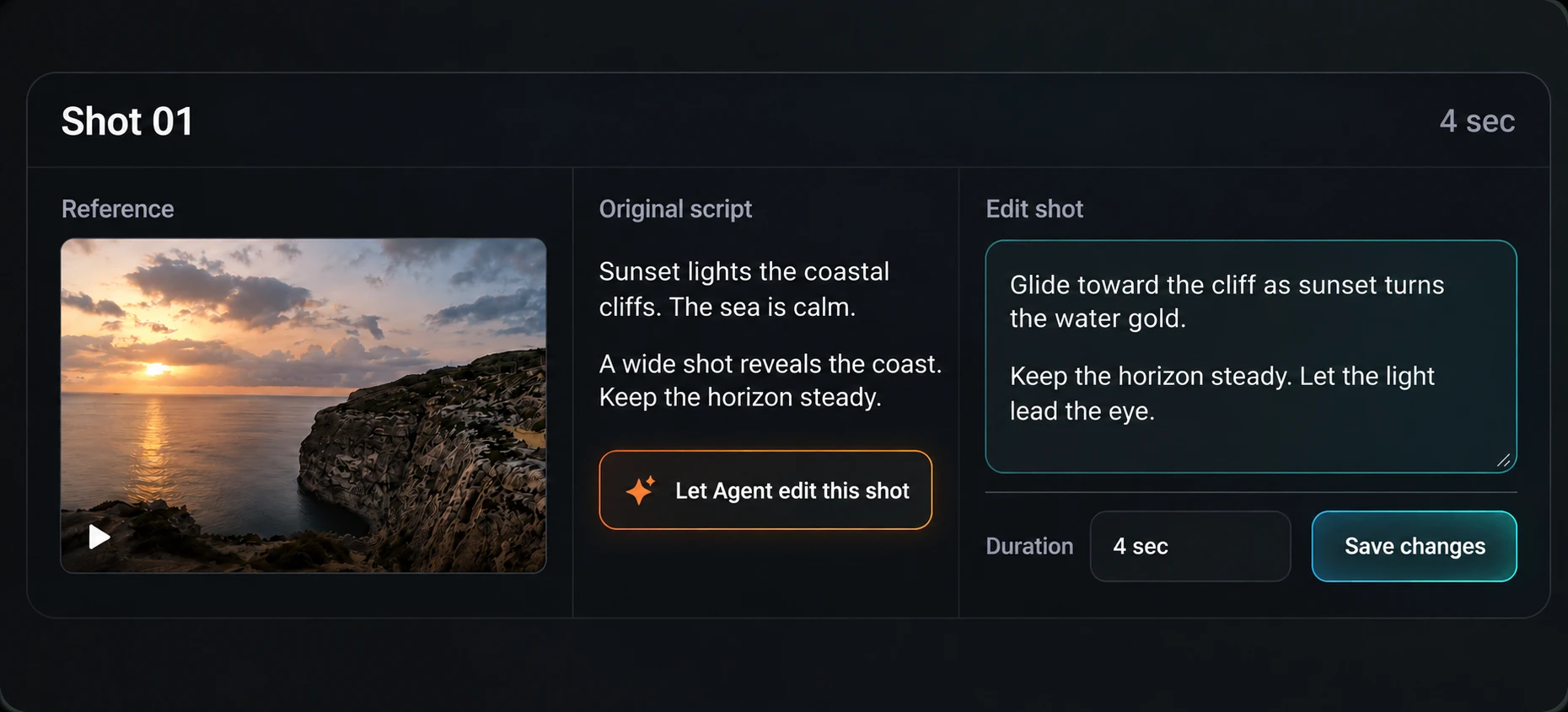
Homepage storyboard-editor illustration based on an editor screenshot and prepared for presentation. The coastal example is unrelated to Hotel Lobby; it shows the shot and script layout, not an analysis of this rap clip.
For the fictional duo, a useful Hotel Lobby AI video shot plan might look like this:
| Beat | Shot and action | What to check |
|---|---|---|
| Opening | Show both performers and their shared microphone. | The positions and setting are clear. |
| First line | A performs while B listens or reacts. | A is visibly leading. |
| Response | B takes the next phrase; A reacts. | The handoff follows the reference timing. |
| Return | Bring both back into the frame. | Clothing, positions, and microphone remain coherent. |
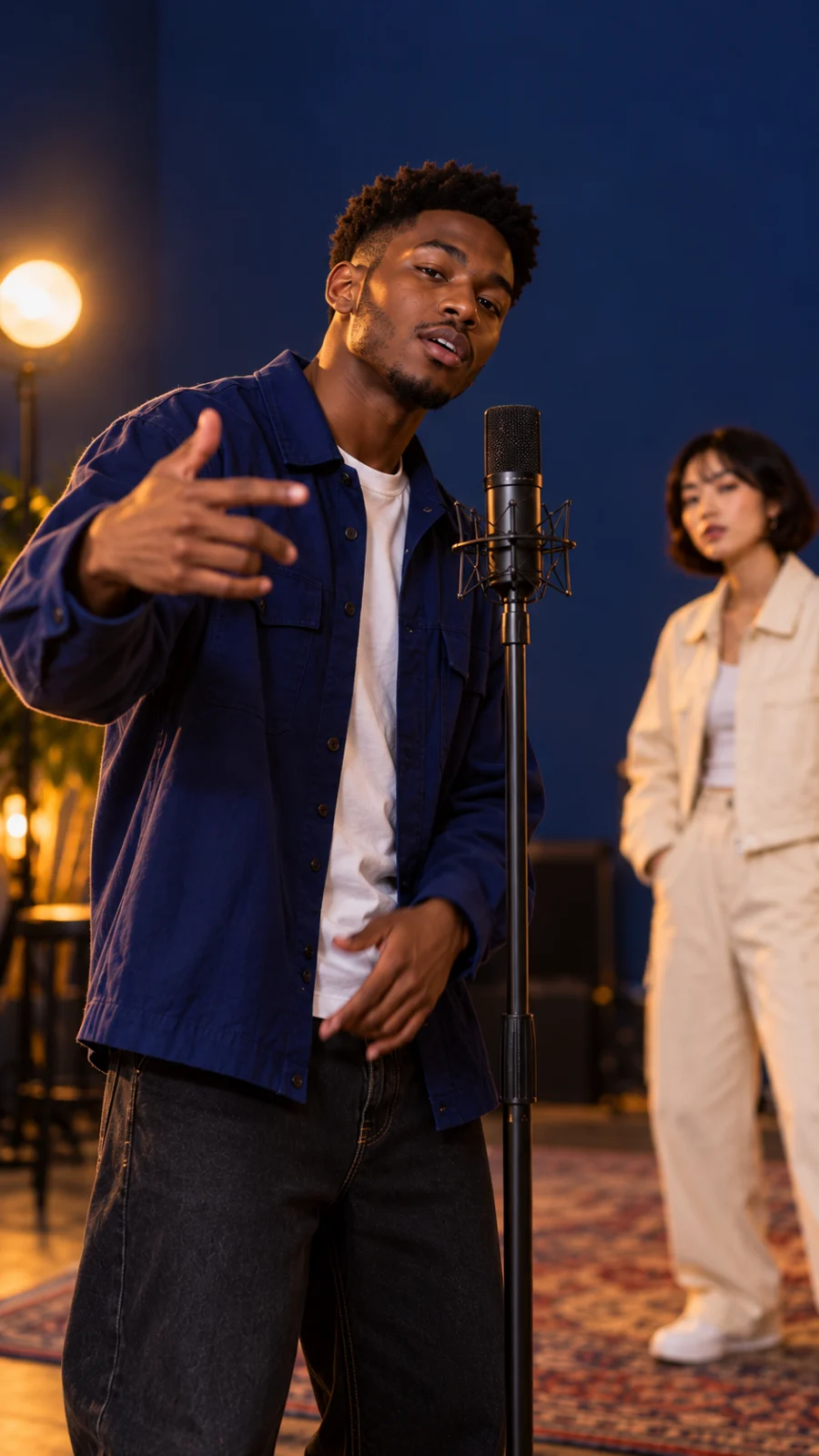
Original planning still showing one performer at the microphone and the other in the background; not a generated shot or a tested result.
Place lyric or timing notes alongside the appropriate beats when the editor allows it. Describe visible mouth action and the active performer, then compare any generated result with the intended delivery. Those notes are a production guide; they do not guarantee that words will be sung accurately or that the original audio will transfer.
3. Add character photos and create a unified visual reference
Upload the authorized photos for the people you want to place in the scene. Use the storyboard and script to guide the creation of a unified visual reference for the characters and setting: identify each performer, clothing, microphone, lighting, and their relative positions. Review the image before using it downstream; a clear board gives you a concrete reference for the shots you want the model to make.
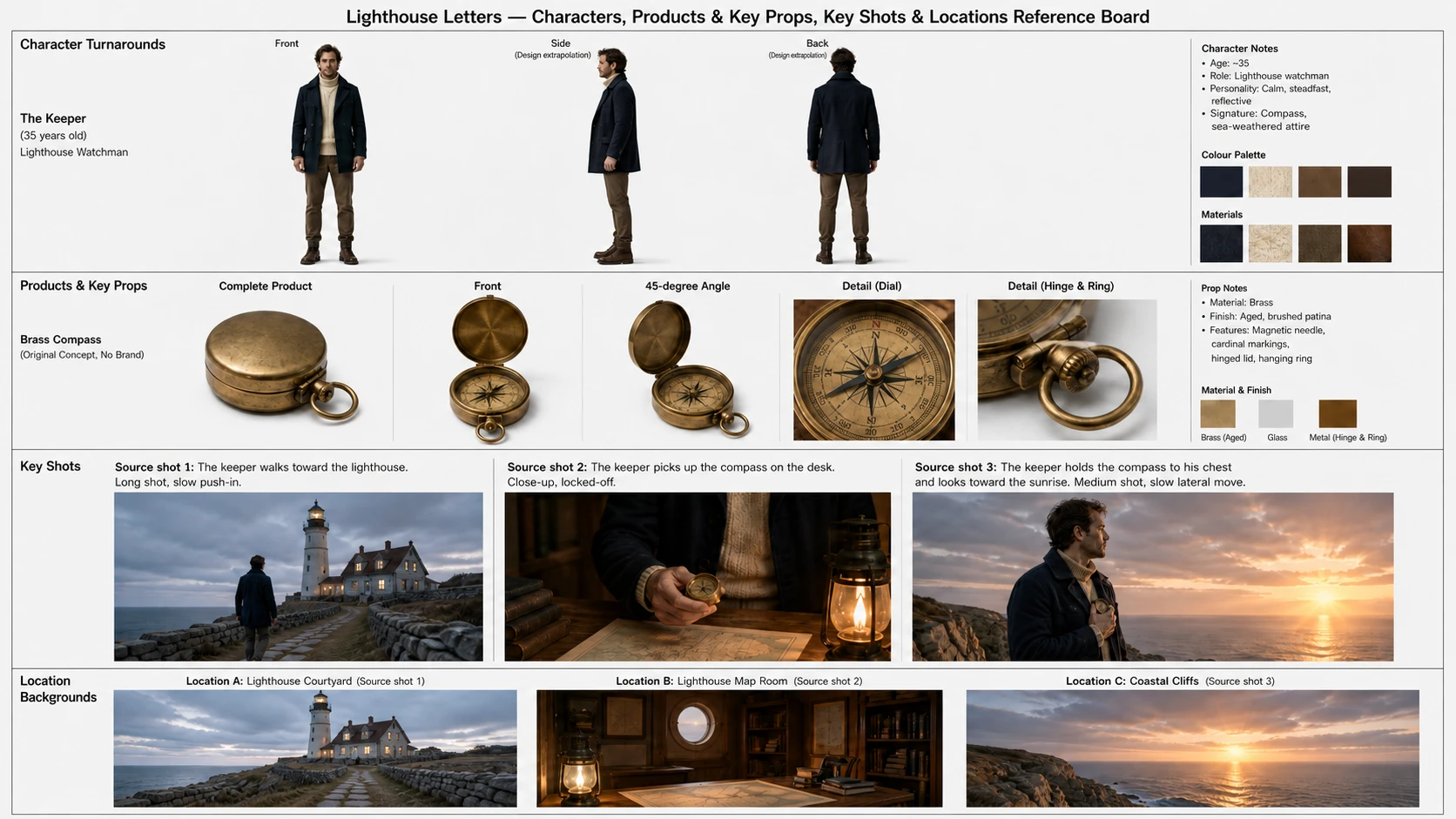
AI-generated homepage visual-board example, edited for presentation, from a lighthouse story rather than Hotel Lobby. It illustrates the shared character-and-scene reference; it is not a result for the fictional duo or proof of two-person consistency.
For this Hotel Lobby AI video example, check that A and B are distinguishable in both a shared shot and closer framing. If the board confuses their clothing or positions, revise the descriptions and review again. A reference can guide consistency; the actual video still needs inspection across shots. See also consistent characters in AI video.
4. Send the shot plan and visual reference to the video model
Provide the edited storyboard and script together with the unified visual reference to the video model. The intended workflow generates the corresponding shots in segments, then joins successfully generated clips into a sequence. Each shot should connect the reference action to the new cast: which character is leading, how the other responds, what framing to use, and which scene details should stay stable.
For a Hotel Lobby AI video, review the resulting shots in order. Check the identity of each performer, clothing, hands, microphone, camera position, and the timing of the exchange. Inspect faces during each line and compare mouth movements against the authorized vocal track. The workflow does not establish that the reference sound is automatically carried over or that lip movements will match it precisely. If audio needs separate assembly or adjustment, use authorized material and evaluate the result in an editor; any separate tool is outside this example and has not been tested as a BriskGen integration.
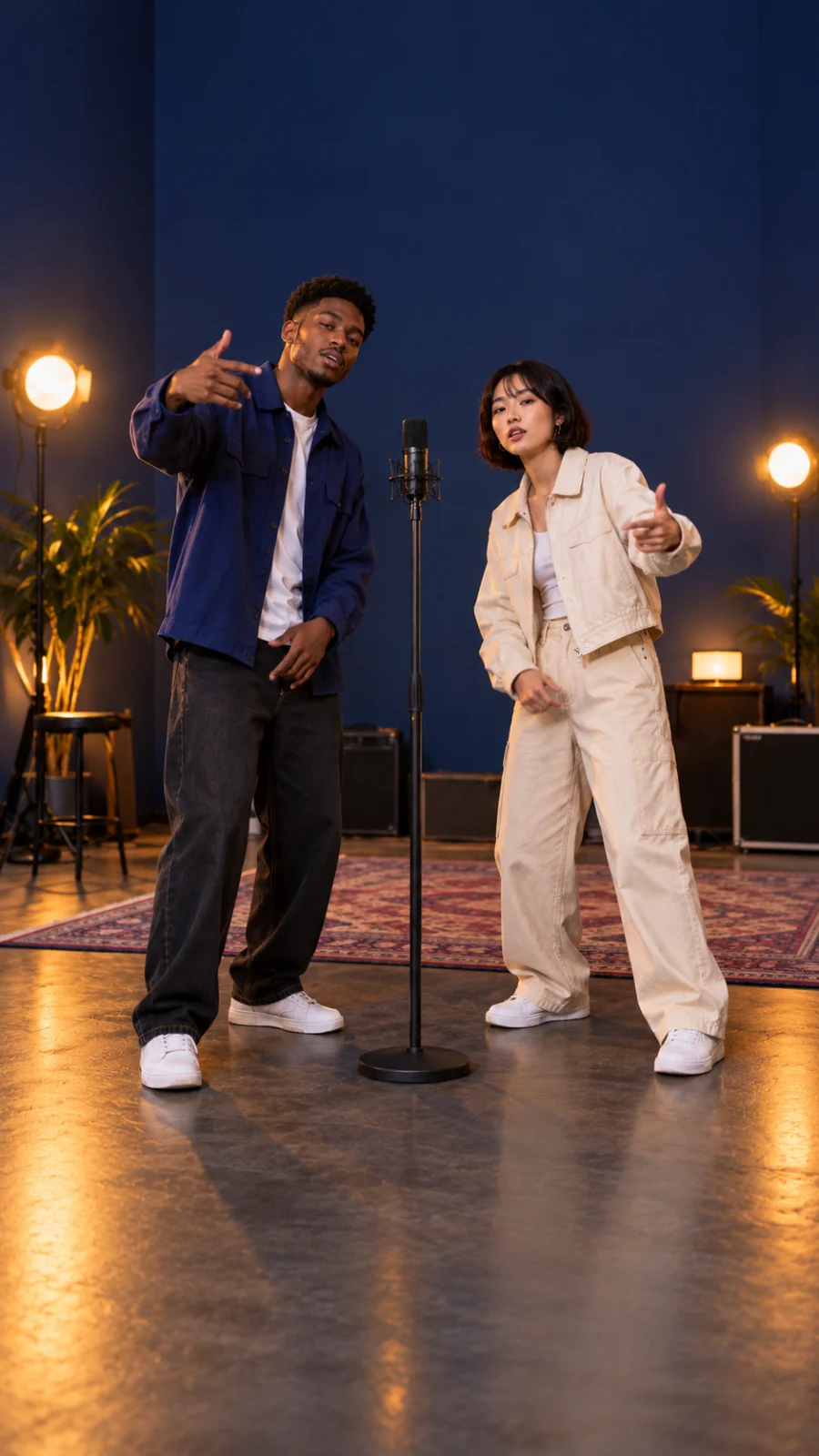
Independent composition study, not a rendered storyboard or generated video.
Troubleshoot the performance
- The duet reads as a solo: Give each line its own beat and specify the other performer's reaction. Check the reference handoff against the storyboard.
- The characters change between shots: Review their photos and unified visual reference, make clothing and positions distinct, then compare the same details across outputs.
- The performance feels out of time: Mark the beginning and end of each phrase in the shot plan. Check the finished sequence against the licensed track; adjust the edit if needed.
- Mouth movement distracts from the vocal: Inspect each face during its own line, especially in shared shots. Revise or replace a weak shot rather than assuming a prompt ensures sync.
- A source cannot be cleared: Replace the footage, likeness, voice, or music with material you can use for the intended workflow and publication.
Hotel Lobby AI video FAQ
Was the original performance made with AI?
No. Quavo and Takeoff performed the original on A COLORS SHOW. The later Hotel Lobby character swap trend reworks that real performance with different on-screen characters.
Can BriskGen make the original Hotel Lobby AI video?
This guide does not verify an original template, soundtrack reuse, precise lip sync, or reliable replacement of both performers. The four-step plan describes the reference-video workflow and what to review; the signed-in generation experience and an actual Hotel Lobby result remain untested.
Can I use the original song and faces?
Only with the permissions needed for your intended use. The composition, recording, footage, voices, and likenesses can involve different rights. Check the terms for processing and every place you plan to distribute the finished video.
Why plan both performers in the storyboard?
The Hotel Lobby AI trend depends on the back-and-forth. Marking the active performer and the reaction in each shot gives the video model a clearer plan and gives you a practical way to review the result.
Start with a short reference you can use, then make the storyboard and visual board agree before sending them to the model. For any Hotel Lobby AI video result, watch the sequence with and without sound to judge both the visual handoff and the timing of the performance.