The BriskGen Journal
UGC Ad Prompts: Turn a Reference Video Into an Editable Script
Write UGC ad prompts from a reference video. Copy a shot-by-shot script template and adapt four creator-style examples for your product.
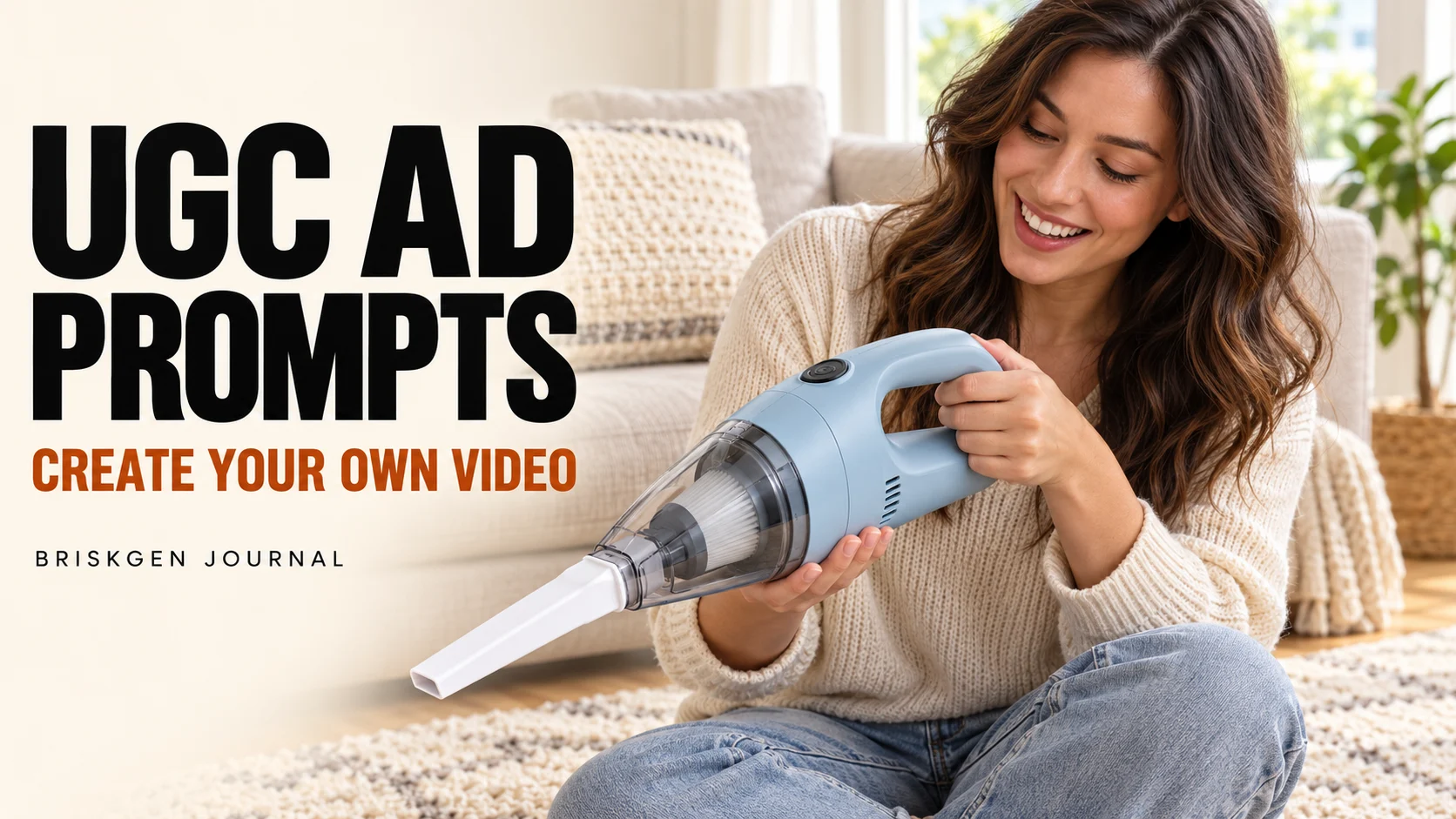
UGC ad prompts describe what a creator says and does in each shot. To adapt a reference video, note its opening, product demonstration and closing shot, then replace the subject, product and lines with your own material. Keep each shot separate so you can revise one part without rewriting the whole script.
The examples below are fictional planning exercises. They have not been rendered or tested with a video model, and no advertising result is claimed. A UGC-style ad may be staged or AI-generated; do not present a fictional actor's experience as a real customer testimonial.
Public homepage captured October 29, 2026 while signed out. Its built-in example is unrelated to this fictional vacuum plan; it is not a completed UGC workflow.
Build UGC ad prompts from a reference
-
Upload a reference video you have permission to use and use its shot breakdown and script as a starting point. Review the cuts, actions and lines yourself.
-
Replace the creator, setting, product and spoken lines with material you have permission to use. Keep only supported product claims.
-
Create one shared reference image showing the creator and scene, and keep the product design consistent with your authorized product reference.
-
Plan each shot separately, pairing it with the shared image for generation. Check each resulting clip against the script and product reference.
-
Review continuity as you assemble the clips. Correct text, hands, product shape and audio in your editor as needed.
This is the intended workflow; check the current workspace for what is available. The examples below are plans, not evidence of a completed production test.
Use reference material you have permission to use. Borrow a general structure, not another creator's identifiable performance, voice or footage without the relevant rights.
Copy this shot-by-shot UGC ad prompt template
Product and approved facts: [product; specific verified details]
Creator and setting: [person; place; lighting]
Reference structure: [opening action; demo; close]
Format: [vertical or another chosen frame]
Shot 1 — opening
Visual: [person and action]
Camera: [framing and movement]
Spoken line: [short line, or none]
On-screen text: [add in editing]
Shot 2 — demonstration
Visual: [one action using the product]
Camera: [framing and movement]
Spoken line: [verified product detail]
On-screen text: [add in editing]
Shot 3 — close
Visual: [ending action]
Spoken line: [CTA consistent with the offer]
On-screen text: [add in editing]
For each UGC video ad prompt, keep voice lines and overlay text separate from visual directions. Check whether the chosen tool supports speech, reference inputs and the desired length; add voice and captions in an editor if needed.
Four UGC ad prompts to adapt
These four fictional UGC ad prompts feature an imaginary handheld vacuum: a muted light-blue body, a white narrow nozzle and a black button. The scene is a living room with a sofa and cushions. The actions are proposed directions, not tested results. The lines are ad copy, not customer reviews. Adapt the details to your own verified product.
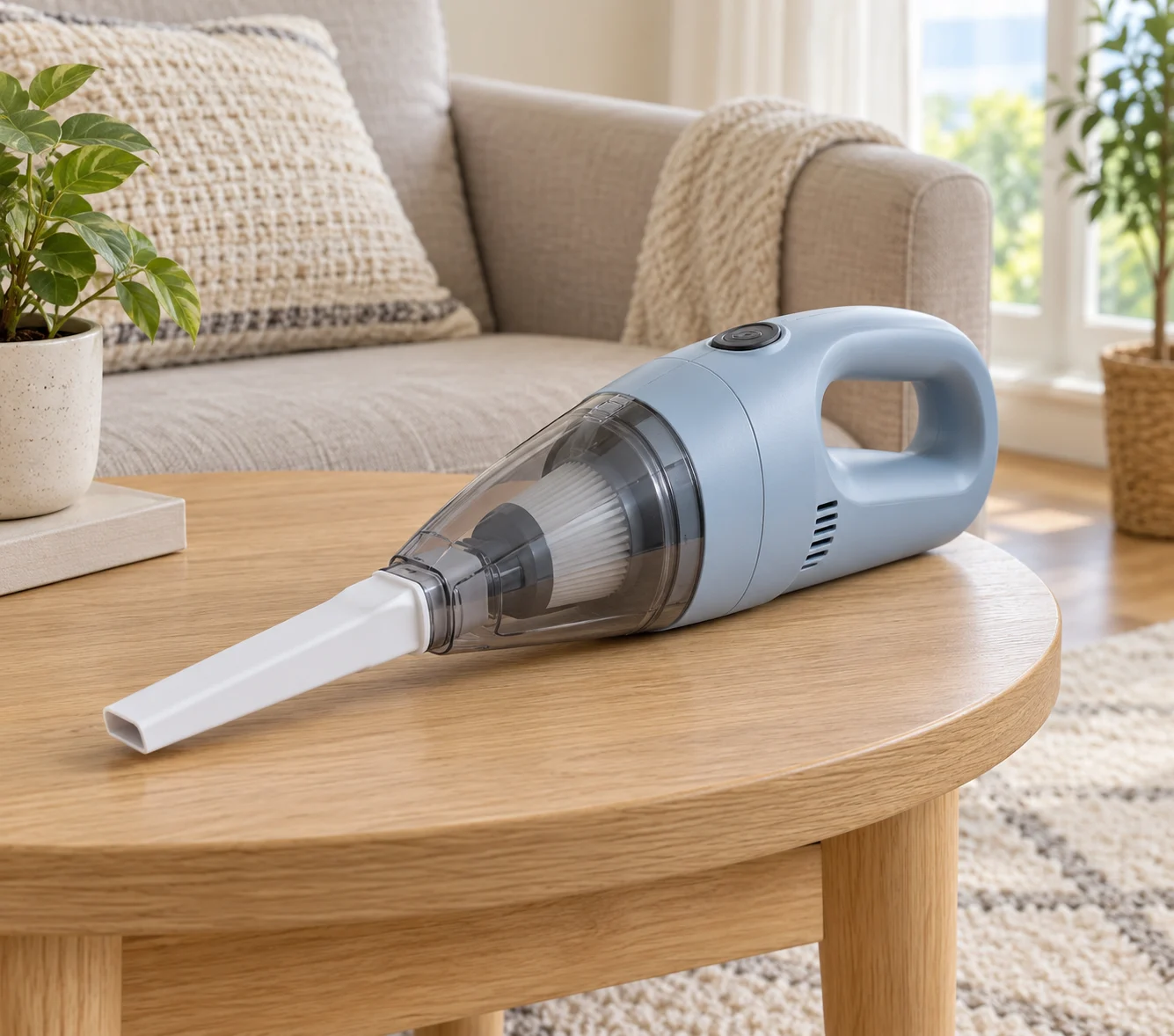
AI-created reference illustration of the fictional product; compare your own ad with authorized images of the actual item.
1. Sofa crevice UGC ad prompt
Opening: Vertical medium shot. A creator sits beside a living-room sofa and lifts a cushion, revealing a few crumbs in the gap. Cut from the creator to a close-up of the crevice.
Spoken line: “How do you clean crumbs from between your sofa cushions?”
Demonstration: The creator picks up the light-blue handheld vacuum and points its narrow white nozzle toward the gap. Match the body color, button and nozzle shape to the product reference.
Close: Return to the creator and product. Spoken line: “See [product page] for the included accessories and specifications.” A generated scene is not proof of suction or cleaning performance.
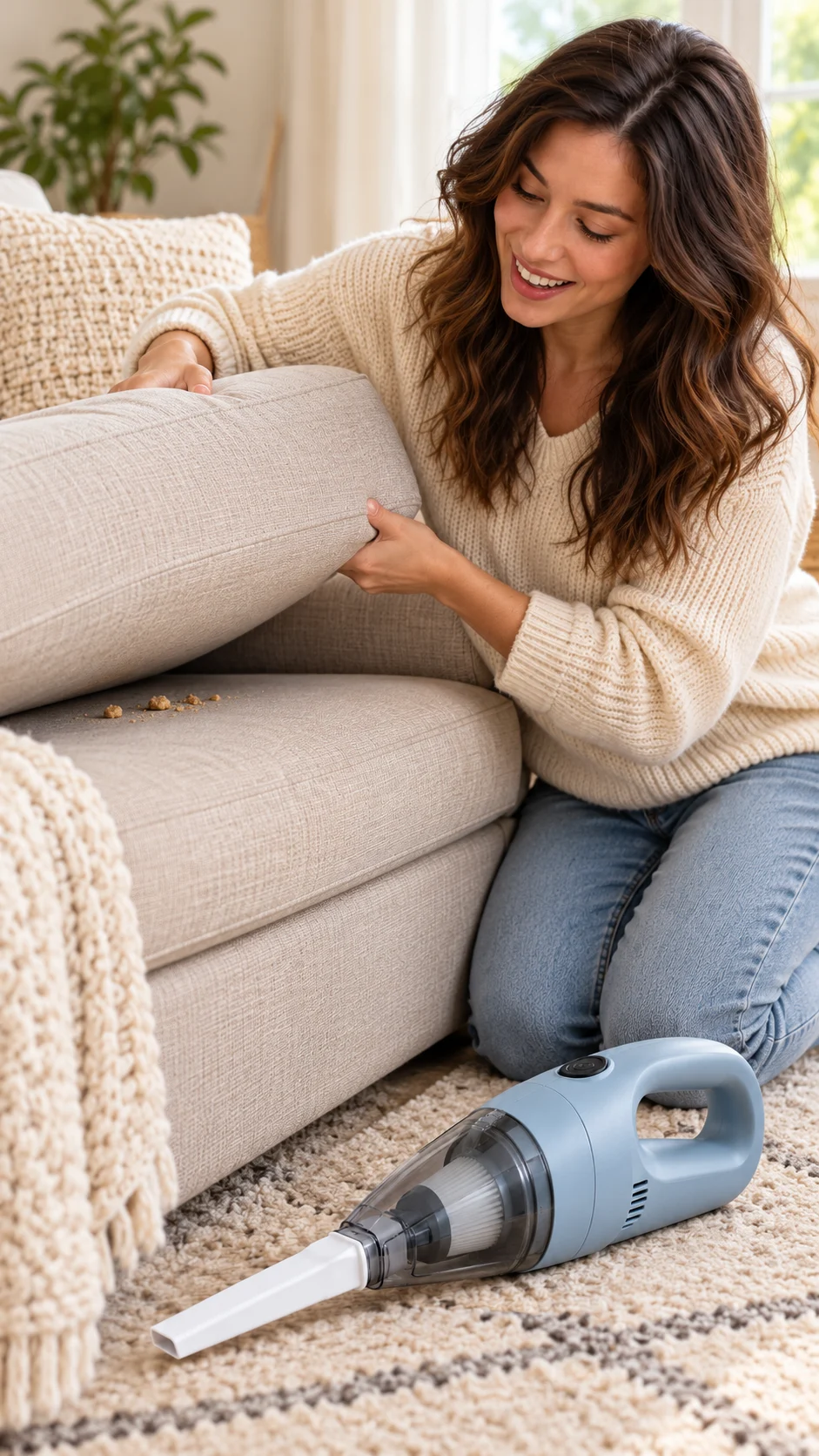
AI-created planning still for the opening; not a generated video or product test.
2. Unboxing UGC ad prompt
Opening: Vertical overhead shot. A plain shipping box sits on the living-room rug. Two hands open the lid while the camera remains still; no shipping label is visible.
Spoken line: “Let’s see what’s in the box.”
Demonstration: The hands lift out the light-blue handheld vacuum and [accessories actually included], placing each item on the rug. Keep the nozzle consistent with the actual product photo.
Close: Hold on the vacuum and accessories. Add a list in editing that matches the actual package contents.
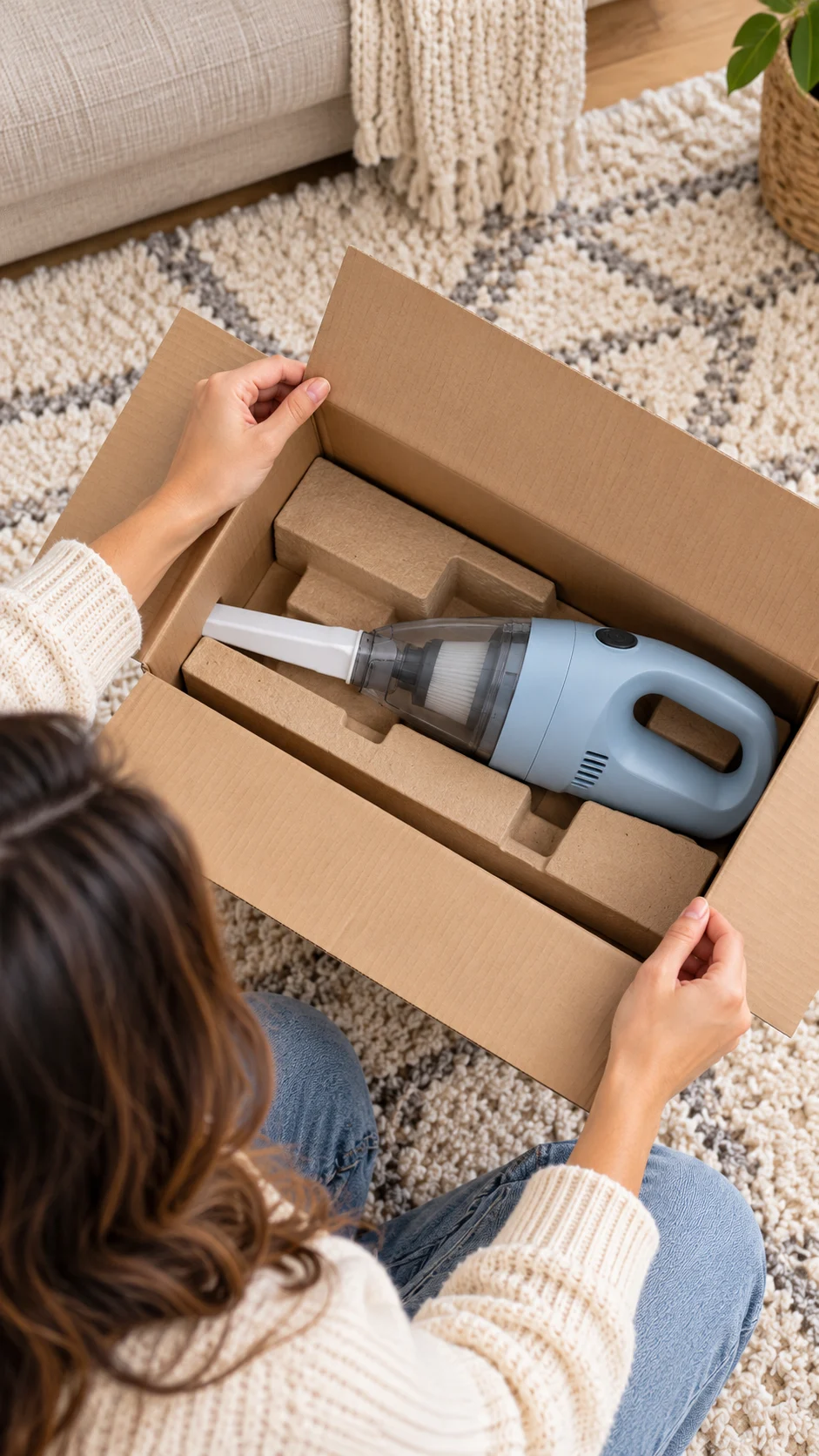
AI-created planning still for the unboxing; actual package contents must be verified.
3. Product introduction UGC ad prompt
Opening: Vertical medium shot in natural living-room light. The creator sits on the sofa and holds the vacuum at chest height, with its white nozzle and black button facing the camera.
Spoken line: “This is a handheld vacuum. Let’s take a look at it.”
Demonstration: Cut to a close-up as the creator points to the button and nozzle. For specifications, use only [product details supported by documentation].
Close: Cut back to the creator. Spoken line: “See [product page] for the full specifications and accessories.”
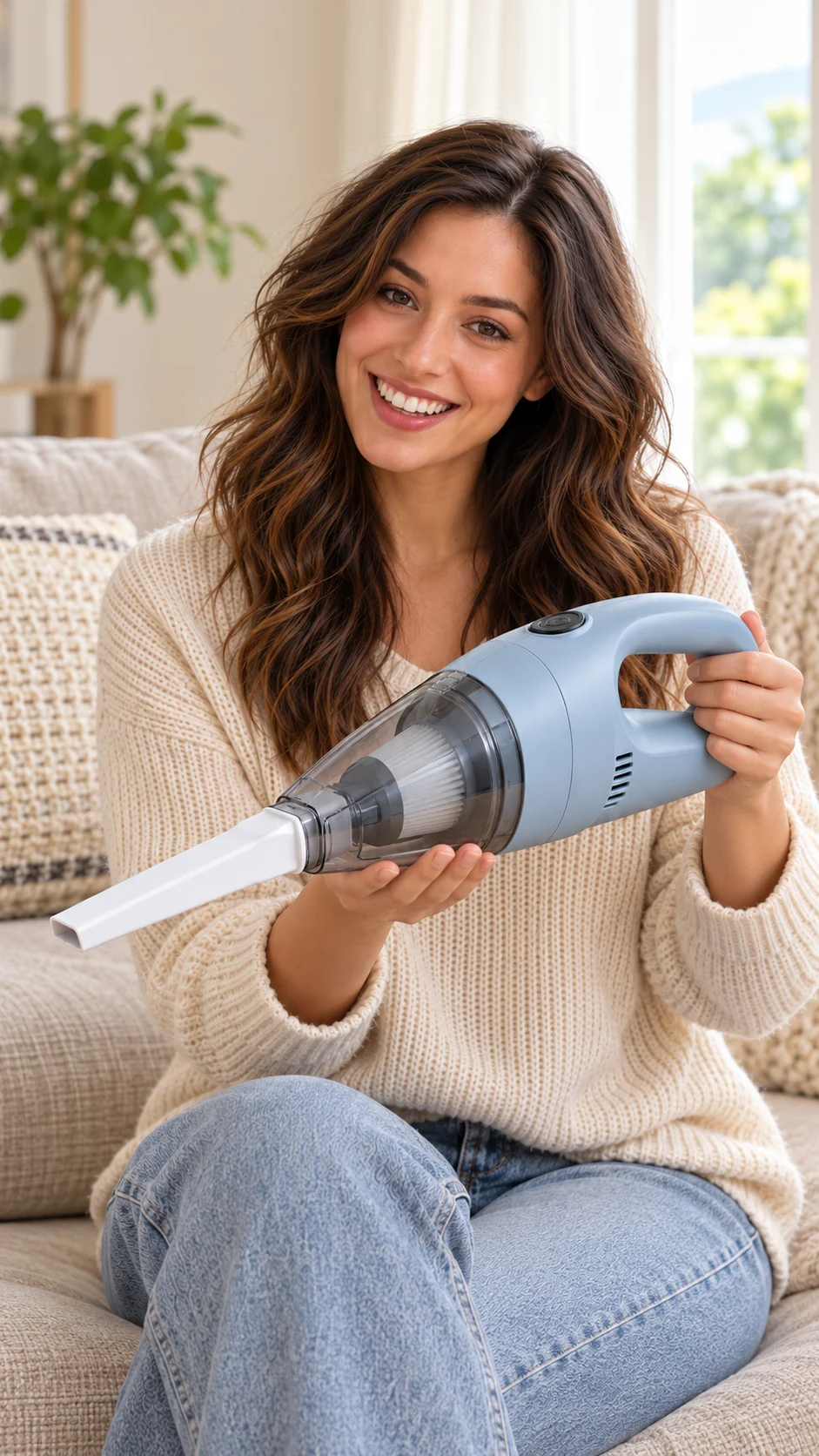
AI-created planning still for the product introduction; compare it with the real product.
4. Cushion demonstration UGC ad prompt
Opening: Vertical side close-up. The creator removes a sofa cushion, and the camera frames a few crumbs along the edge of the seat.
Spoken line: “Let’s take a look at this cleaning action.”
Demonstration: The creator holds the vacuum and slowly moves the narrow white nozzle along the sofa crevice, entering from one side of the frame. Keep the light-blue body and black button visible. Check the real product’s operating instructions before adapting the action.
Close: The creator puts the cushion back. Add a link to the product details in editing. The generated scene illustrates a proposed action; actual cleaning performance, suction and experience require real footage or product documentation.
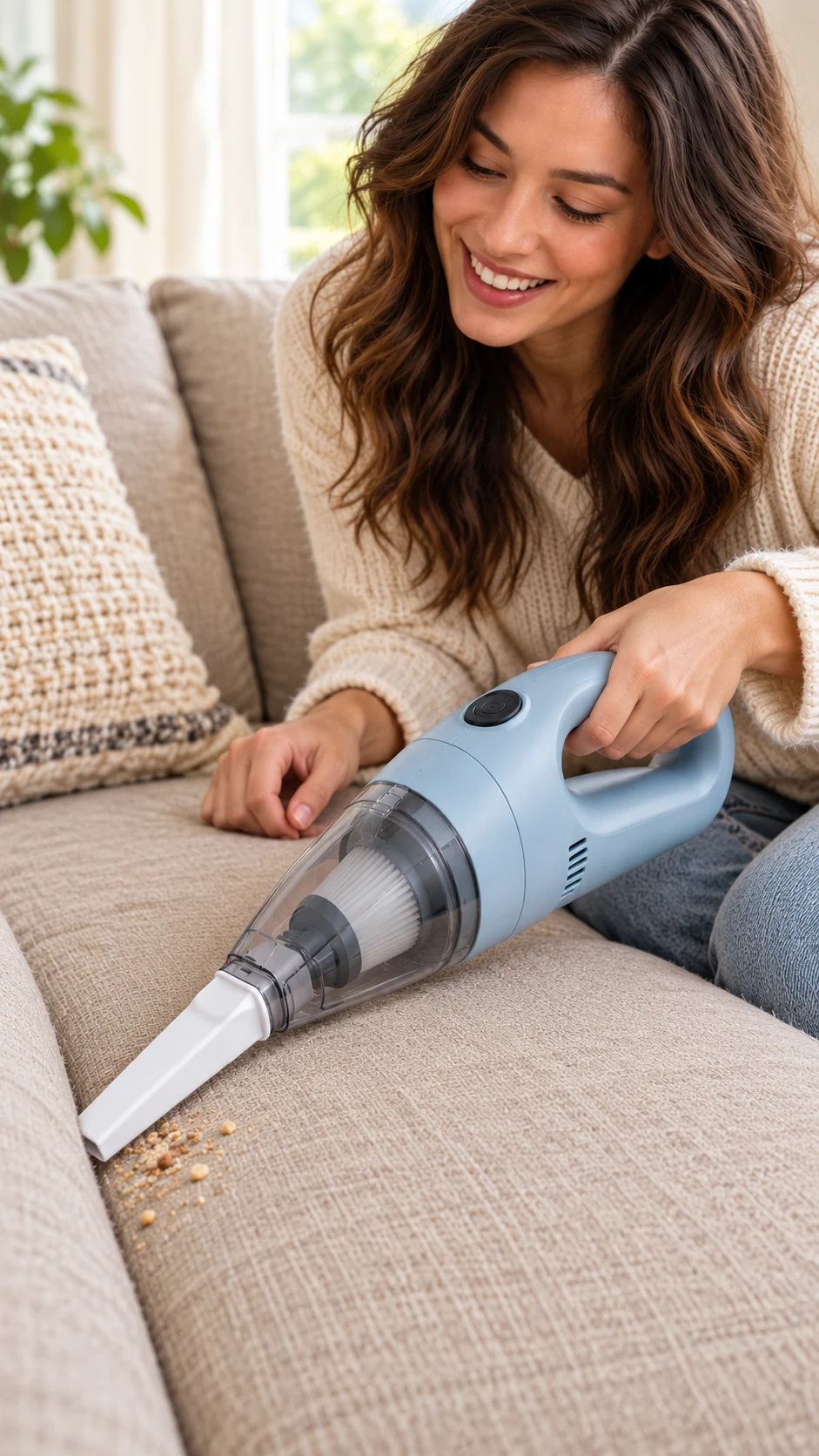
AI-created planning still for the proposed action; it does not demonstrate cleaning performance.
Edit one shot without losing the story
When revising a UGC ad prompt, give each shot an ID and keep the shared creator-and-scene image, product reference, wardrobe description and lighting notes together. If the demo changes, update its action and spoken line first; then check that the opening leads into it and the close still makes sense. Whether a particular tool can reuse unchanged segments must be checked in that tool.
For product-only shot ideas, see product video ad prompts. For camera directions, see AI video camera movement prompts.
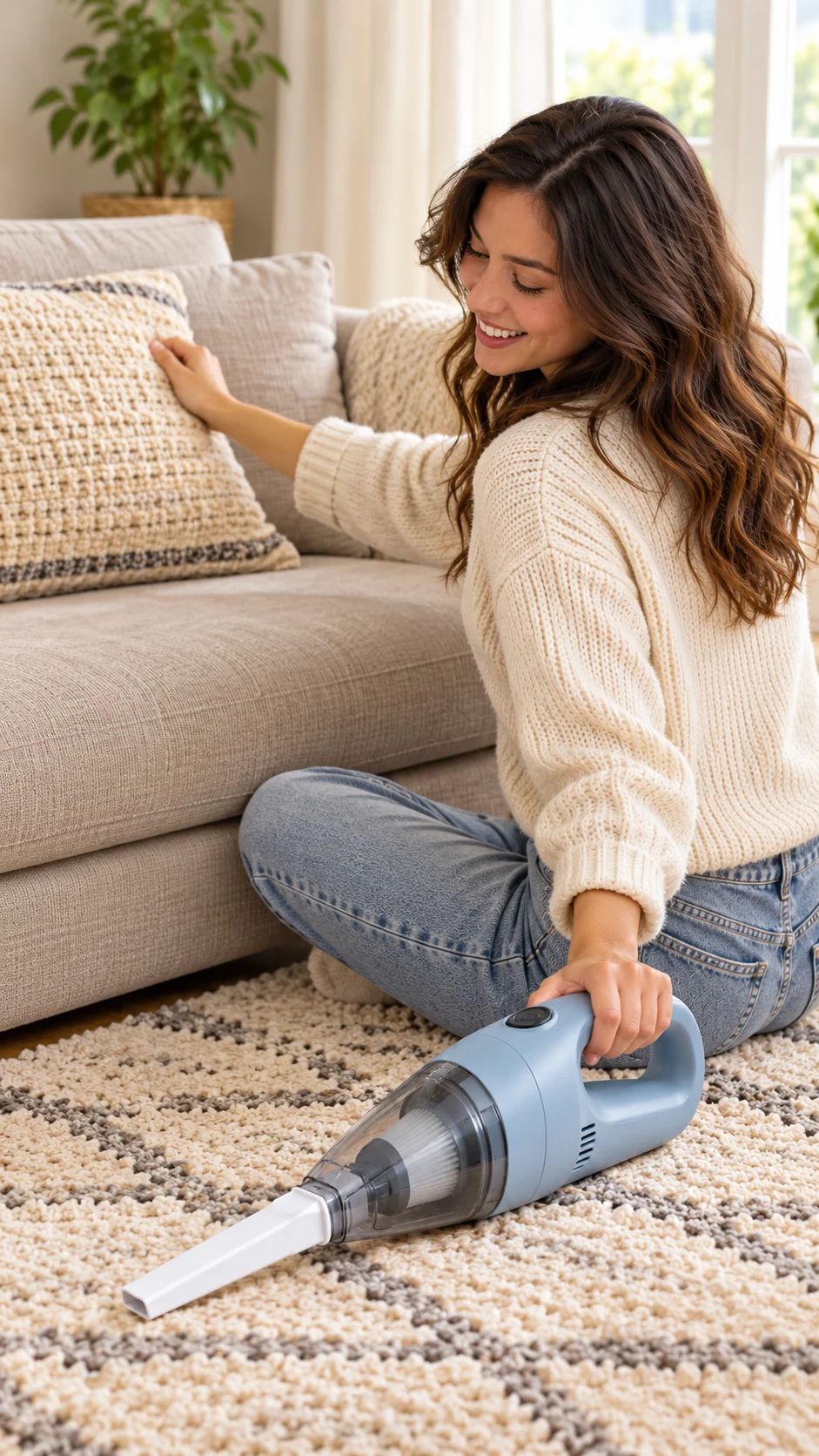
AI-created planning still for a possible closing shot; not a generated video result.
Check your UGC ad prompts before using the ad
-
Compare the product, included items and on-screen text with the actual offer.
-
Use supported claims and real permission for footage, likeness, voice and music.
-
Do not invent customer experiences or present an AI actor as a real reviewer. The FTC’s endorsement guidance explains truthfulness and disclosure expectations in the United States.
-
Follow the destination platform’s disclosure rules. TikTok’s commercial-content guidance describes its disclosure setting.
-
Preview captions and product details on a phone; keep text clear of platform controls. TikTok’s creative guidance recommends a vertical frame and a hook, body and close for its platform.
FAQ
What should a UGC ad prompt include?
For each shot in a UGC ad prompt, describe the creator or hands, setting, action, camera and product details. Add a separate spoken line and overlay instruction, then verify the claims and actual output.
Can I copy a reference video?
Use a general structure as inspiration and create your own shots. Obtain permission for protected footage, a person’s likeness or voice, and other material you use; rules depend on the material and destination.
Will one prompt produce a finished ad?
It depends on the tool. Speech, text, clip length and editing controls vary. Review the generated output and plan for separate voice, captions and assembly where needed.